
Figma vs IconSet.ai: Which Tool is Better in 2026?

Last week, a client needed custom icons for their burger brand. They had a tight deadline: 1 day to deliver 3 icons matching their brand perfectly. I tried three different approaches, and the results surprised me.
The Figma Plugin Problem
I started where most designers do: Figma's icon plugins. I searched through Iconify, Material Icons, and several premium icon packs.
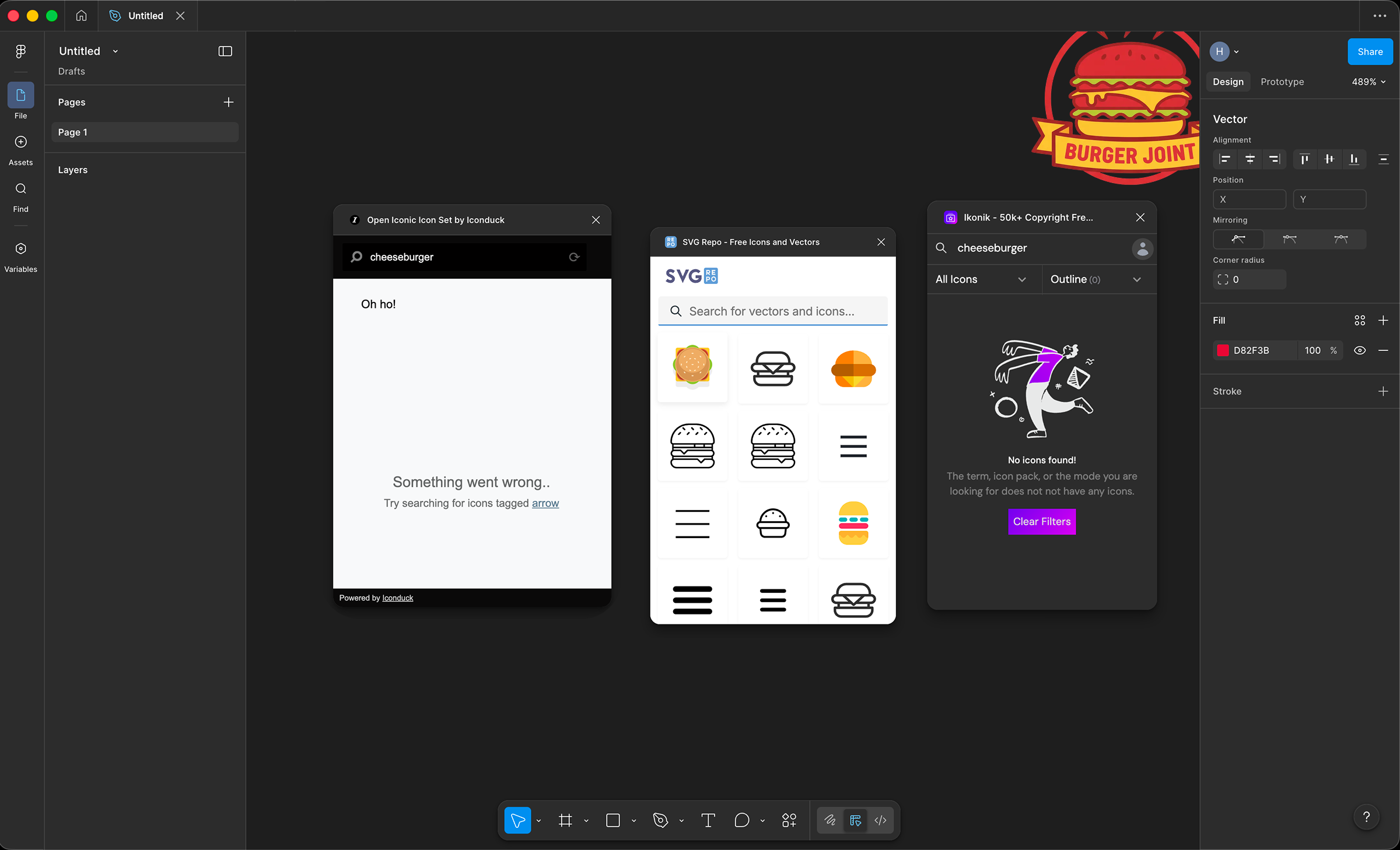 After 20 minutes of searching through plugin libraries, I couldn't find icons that matched the client's brand colors and style.
The icons I found were either:
- Generic and overused (everyone has the same Material Design icons)
- Wrong style (too corporate for a food brand)
- Wrong colors (would need manual recoloring for each icon)
Even the premium plugins didn't have what I needed. They're great for standard UI icons, but useless when you need something brand-specific.
I Tried Drawing Icons Manually
Next, I grabbed the pen tool and tried making icons from scratch in Figma.
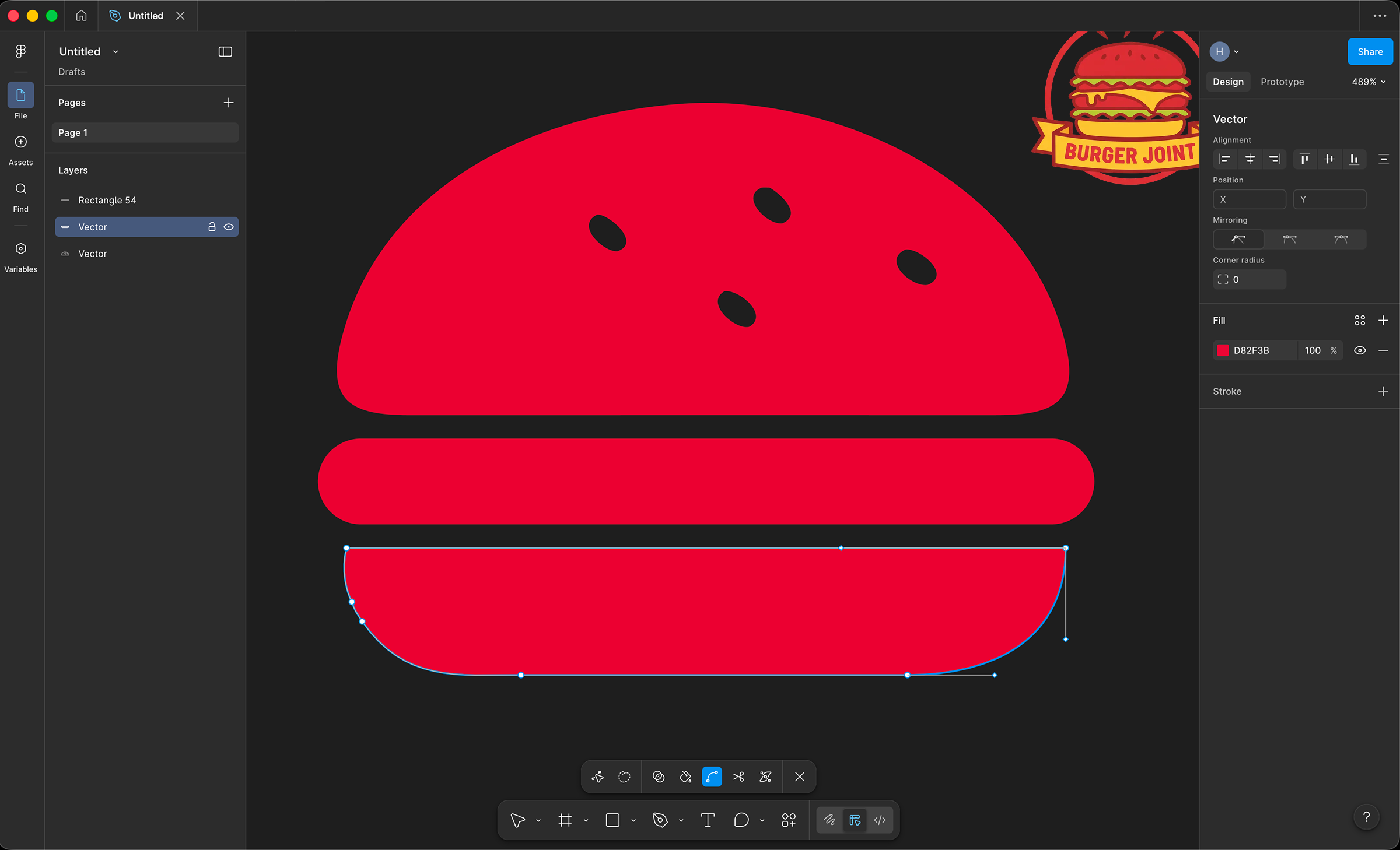 After 25 minutes, I had 1 icon which isn't quite there yet. At this rate, 3 icons would take over 75 minutes, and I'm not even a slow designer.
The problems:
- Every curve needed tweaking
- Keeping consistent stroke weights across icons was tedious
- My first icon looked different from my third icon
- Way too slow for the deadline
Then I Used IconSet.ai
Out of options, I uploaded the client's logo to IconSet.ai and typed in the icon names I needed.
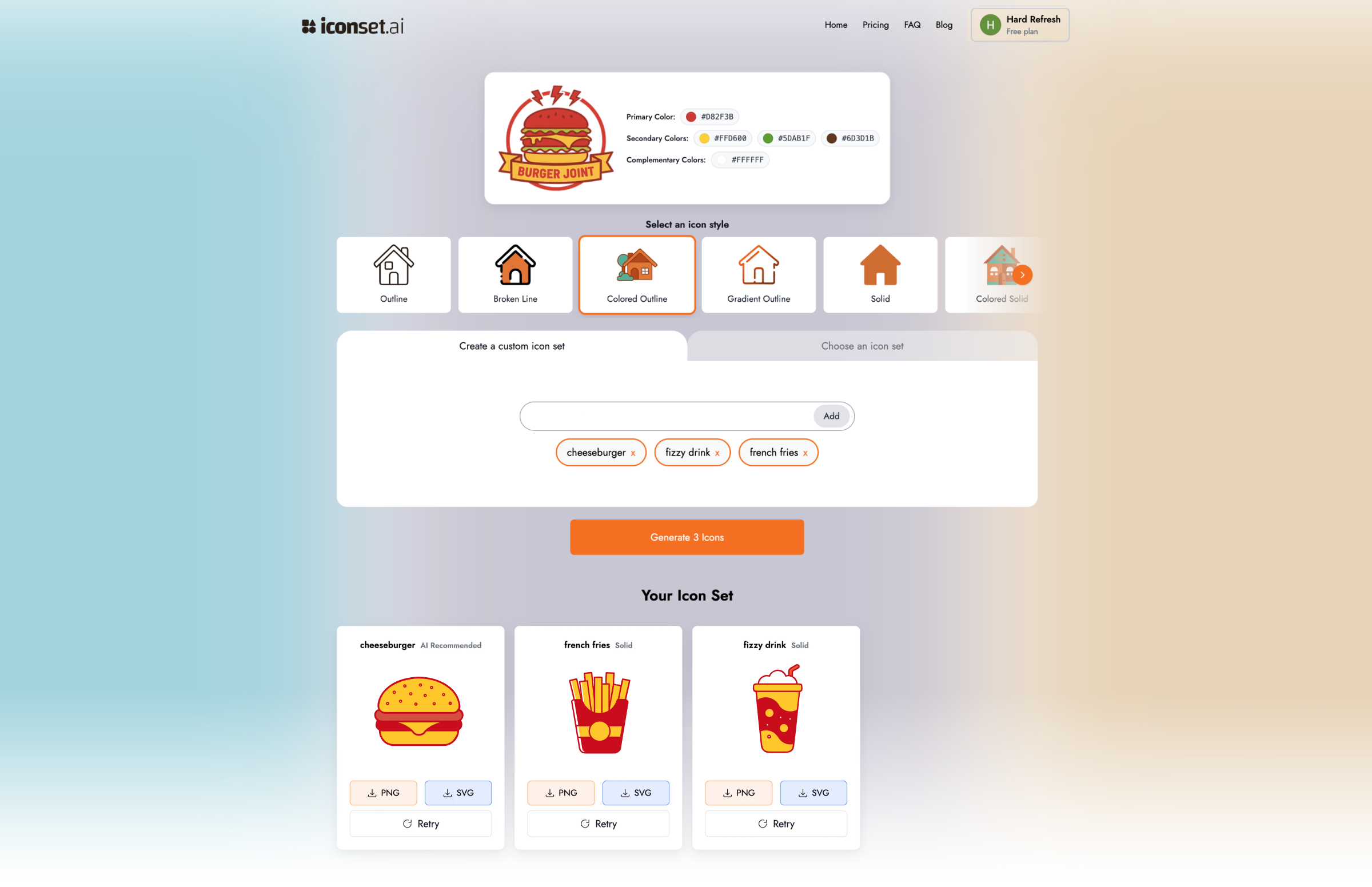 30 seconds later, I had 3 branded icons perfectly matching the logo's colors and style.
Ai Extracted the brand colors from the logo, generated icons in a consistent style and gave me multiple style options (line, solid, gradient)
I generated all 3 icons in 30 seconds! No manual color picking, no consistency issues, no stress.
The Quick Comparison
After using both tools on 5+ projects, here's how they stack up:
| Feature | Figma Icons (Plugins) | IconSet.ai |
|---|---|---|
| Speed | 10-30 minutes manual work | 30 seconds per set |
| Brand Matching | Manual color picking | AI analyzes your logo |
| Customization | Depends on plugin library | 11 AI styles |
| File Formats | SVG (usually) | SVG + PNG |
| Pricing | Free - £10/month (varies) | Free + £1.99/20 icons |
| Learning Curve | Medium (Figma skills needed) | None |
What Most Teams Actually Do
After talking to 30+ design teams, most don't pick just one. They use both:
- IconSet.ai for custom, brand-specific icons (product features, unique actions)
- Figma plugins for generic UI icons (navigation, common symbols)
This combo gives you speed where you need it and control where it matters.
The Verdict
After using both tools on client work:
Choose Figma when:
- You need pixel-perfect customization
- Your team already works in Figma daily
- You're using standard icon libraries (Material, Iconify)
- Budget allows for designer time
Choose IconSet.ai when:
- You need icons ASAP (launch deadlines, client projects)
- You don't have design skills or Figma experience
- You want brand-matched icons without manual work
- You're solo or a small team
Try It Yourself
Don't take my word for it. Both tools have free tiers:
- Figma: Download and try Iconify or Material Icons plugin
- IconSet.ai: Upload your logo, generate 2 free icons
Questions about using IconSet.ai? Email hello(at)iconset(dot)ai