
Create brand assets with AI
Generate a logo, turn it into a consistent icon system, build campaign banners, and resize the winning creative for every channel, all in one connected workflow.
Generate a unique logo for your brand
Describe your business, choose a logo type and visual style, and compare original directions. Download production-ready SVG and PNG files for print and digital use.
Try Now


Generate on-brand and consistent icons
Upload your logo and let AI carry its palette and visual character across a custom icon set. Generate common interface concepts or describe your own, then export PNG and SVG.
Try NowGenerate campaign banners from a brief
Describe the campaign, add optional product or brand references, choose a target size, and compare up to four banner directions. Modify the strongest result without starting over.
Try Now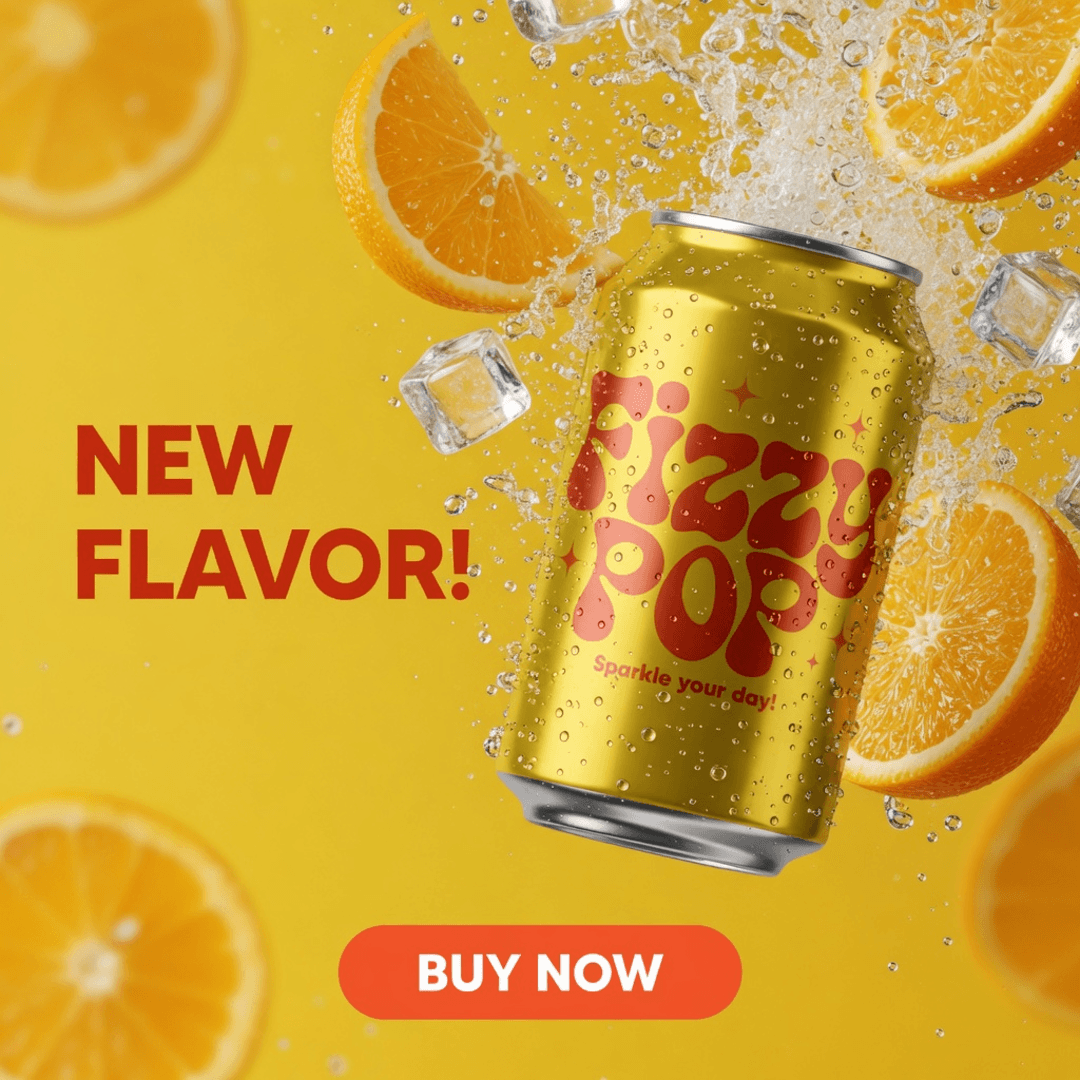
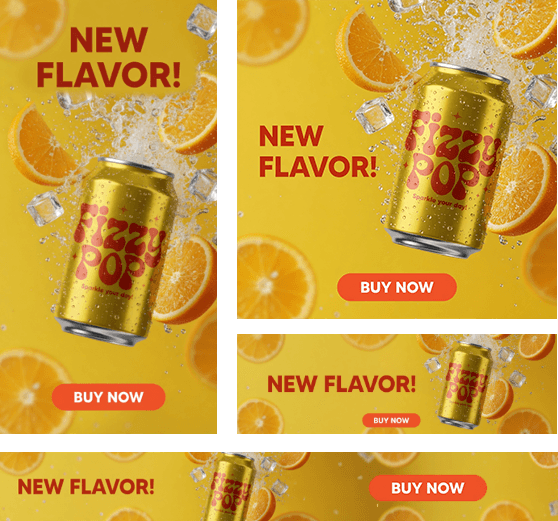
Resize one banner for every placement
Turn an approved source banner into layout-aware Google Ads, mobile, and social variations. Review each size, revise individual layouts, and export the complete campaign as a ZIP.
Try NowGenerate assets without leaving Figma
Create AI logos and consistent icon sets, then insert the selected results directly into your Figma canvas.
Open the Figma plugin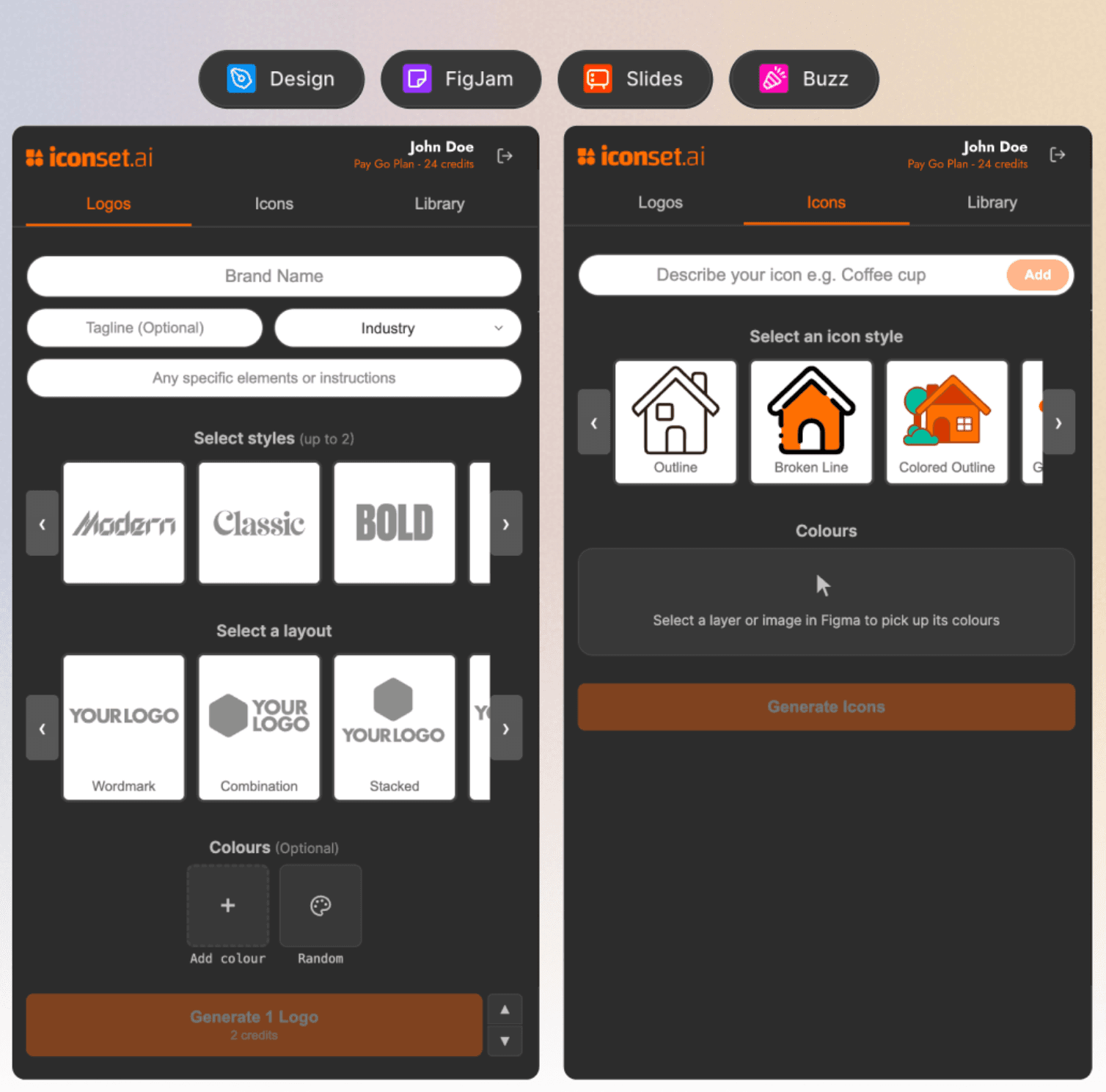
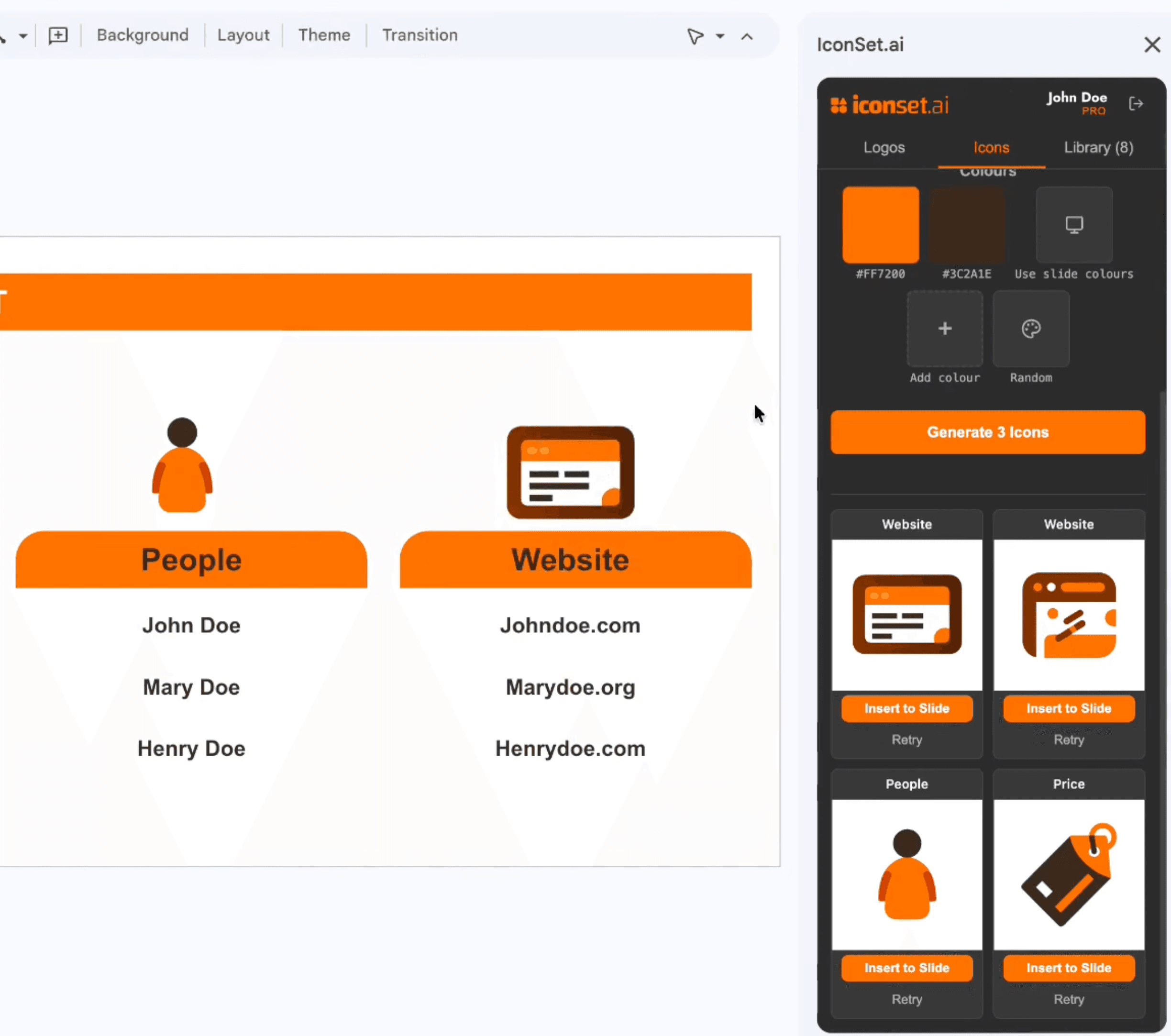
Create presentation assets in Google Slides
Generate logos and consistent icons inside your presentation workflow, then place them into the current slide without switching tools.
Open Google Slides pluginUse Cases

App Navigation
App Navigation